AI Website Design Prompts: 25 to Build Your Business Site
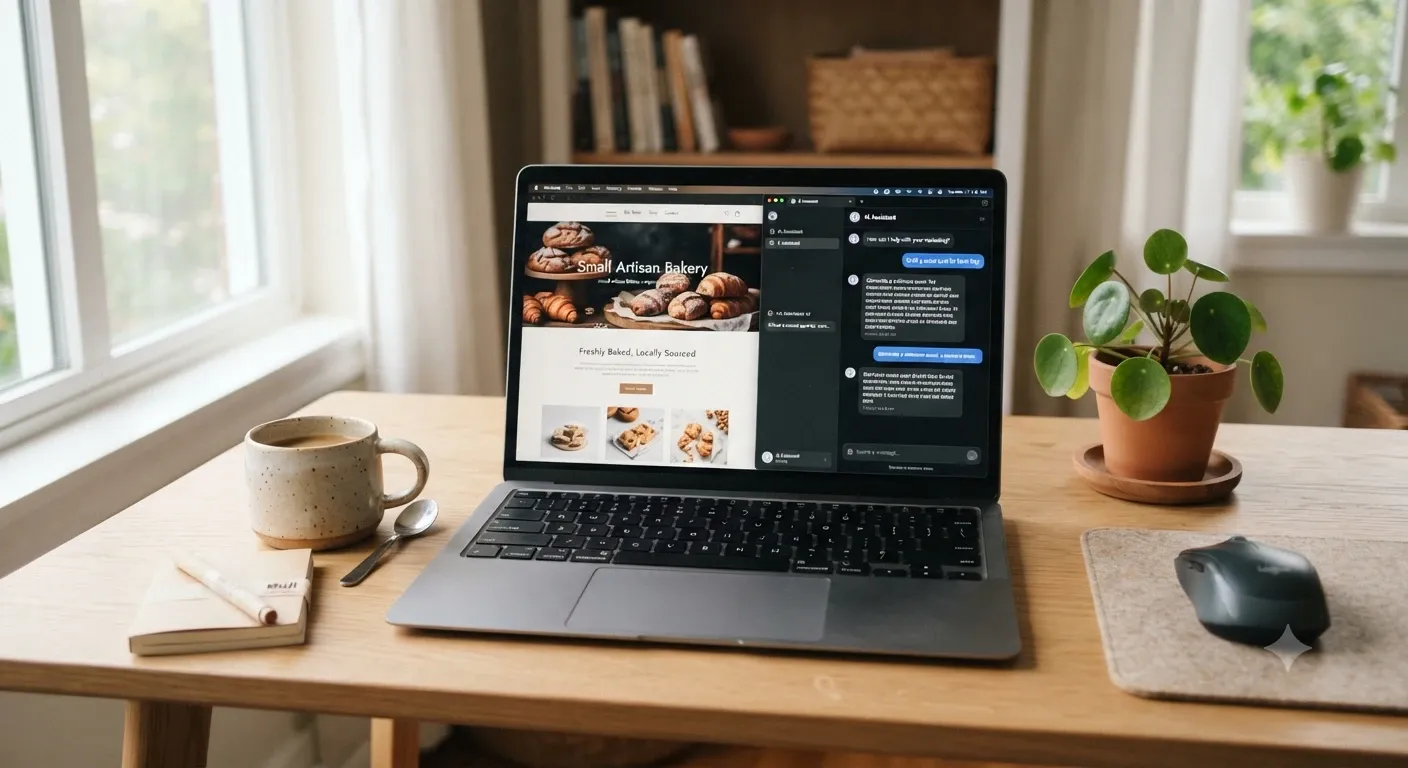
Most people open ChatGPT or Claude, type "make me a website for my bakery," and get back something that looks like every other bakery site on the internet. The AI isn't the problem. The prompt is.
AI tools are good at following directions. If you give them your audience, your services, your city, and the feeling you want visitors to have, you get a site that sounds like you. If you give them one vague line, they fill the gaps with guesses.
Below are 25 AI website design prompts we use and recommend, grouped in the order you'd actually build a site: planning, design, copy, SEO, and launch. Copy them, swap in your details, and work through them one by one.
How to Use These Prompts
Anything in [brackets] is a placeholder. Replace it with your real information before you hit enter. The more specific you are, the better the output gets.
A few habits make a big difference:
Keep one conversation per website. The AI remembers your business details from earlier prompts, so later answers get sharper.
Paste your brand brief at the start. Prompt 1 creates it. Reuse it any time you open a new chat.
Ask for options, not one answer. Three headlines are better than one, because you get to choose.
Check every fact. AI can invent phone numbers, awards, and statistics. Only publish what's true about your business.
Prompts 1 to 5: Plan Your Website Before You Design It
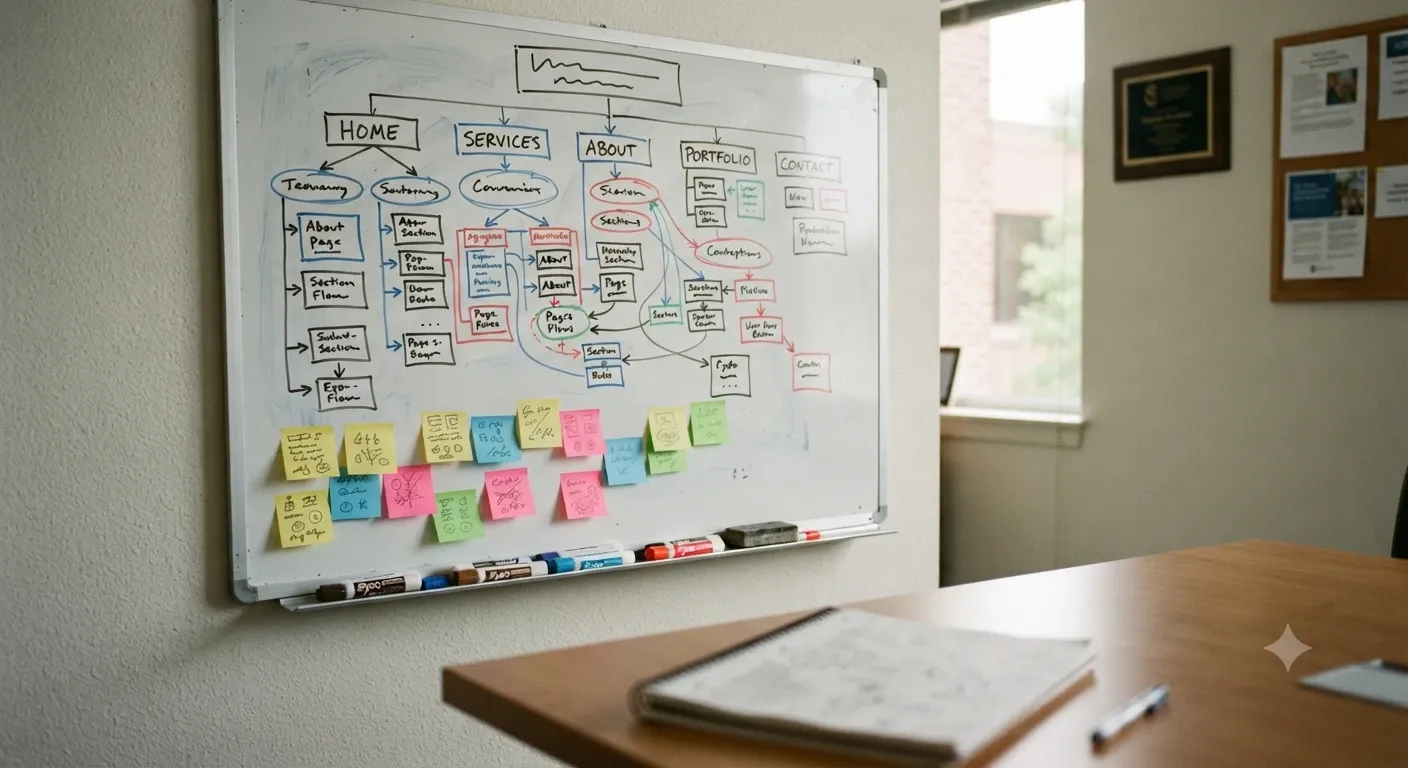
Skipping the plan is the most common reason small business sites feel scattered. Spend ten minutes here and every page after it gets easier.
1. Create a Brand Brief
This becomes the reference document for everything else.
Prompt: "I run [business name], a [type of business] in [city, state]. We serve [ideal customer] and our main services are [list]. What makes us different is [your edge]. Turn this into a one-page brand brief with our mission, audience, tone of voice, and three key messages. Ask me questions if anything is missing."
2. Define Your Ideal Visitor
Prompt: "Based on my brand brief, describe the two most likely people who will visit my website. For each one, list what they're trying to solve, what would make them trust us, and what might stop them from contacting us."
3. Build a Sitemap
Prompt: "Suggest a simple sitemap for my business website. Keep it under 8 pages unless there's a strong reason for more. For each page, give the page name, its single main goal, and the one action we want visitors to take."
4. Review What Competitors Do Well
Paste in what you see on two or three local competitor sites. Don't ask the AI to browse and copy them.
Prompt: "Here's what I noticed on three competitor websites: [notes]. What do they all do, what's missing, and where can my site stand out without copying anyone?"
5. Set the Main Goal of the Site
Prompt: "My website's top priority is [phone calls / booked appointments / quote requests / online orders]. Tell me how that goal should shape the home page, the navigation, and the call-to-action buttons."
Prompts 6 to 11: Colors, Fonts, and Layout
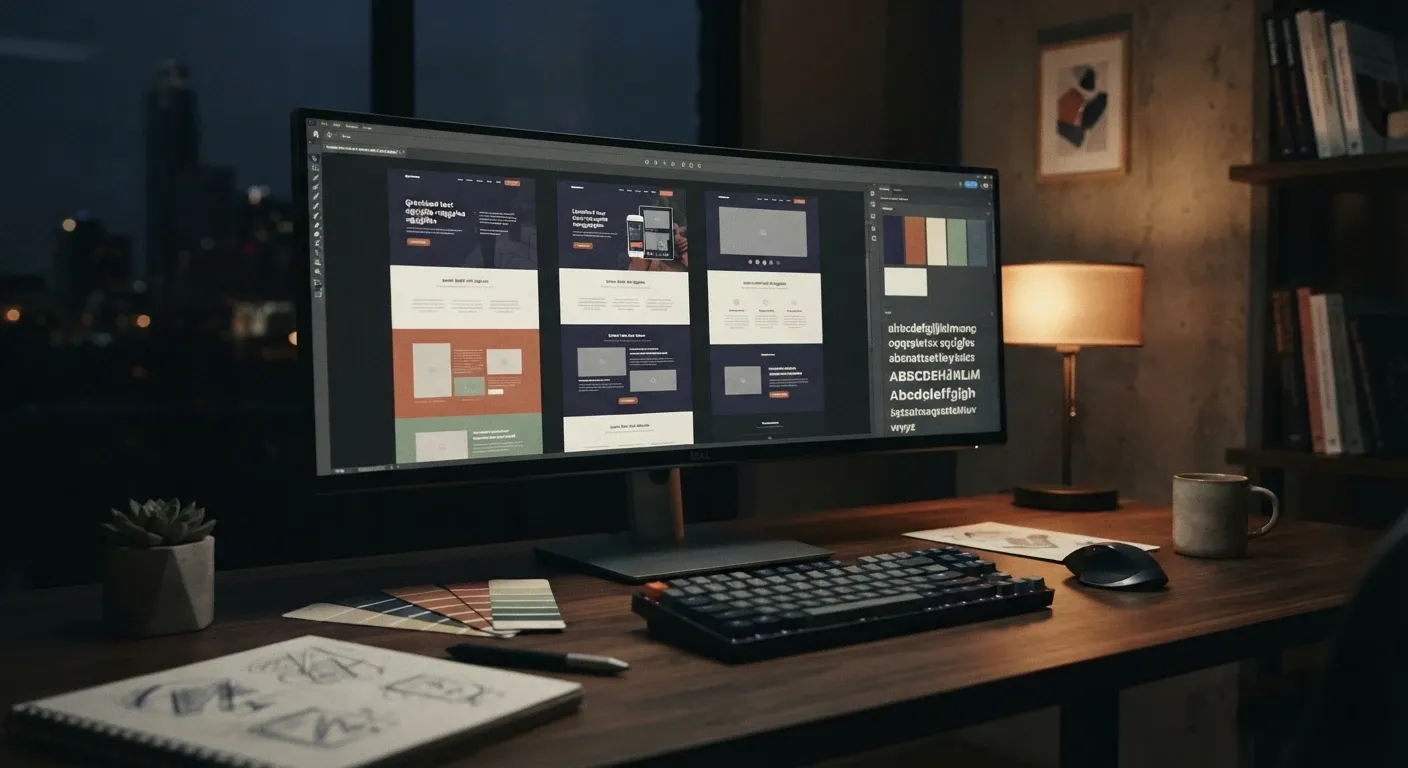
This is where most people want to start. It goes much better after the planning work, because now the AI knows who the design is for.
6. Pick a Color Palette
Prompt: "Suggest three color palettes for my website that fit our brand brief. Each palette should have 5 colors with hex codes: primary, secondary, accent, background, and text. Explain the feeling each palette gives a first-time visitor."
7. Choose Fonts
Prompt: "Recommend two font pairings from Google Fonts for my site, one for headings and one for body text. They should be easy to read on phones and match a [friendly / premium / modern / traditional] feel."
8. Lay Out the Home Page
Prompt: "Design the section-by-section layout for my home page, from top to bottom. For each section, tell me what goes in it, why it's there, and roughly how much text it needs. Keep the most important action visible without scrolling on a phone."
9. Design the Hero Section
Prompt: "Write three versions of my home page hero section. Each needs a headline under 10 words, a one-sentence subheadline, a button label, and a description of the background image. Make them clear first and clever second."
10. Plan Inner Page Layouts
Prompt: "Create a reusable layout for my service pages. Include the order of sections, where trust signals go, and where to place the call to action. I have [number] services, so the layout needs to work for all of them."
11. Check Accessibility
Prompt: "Review my color palette [paste hex codes] for text readability. Flag any text and background pairs that fall below the WCAG AA contrast ratio of 4.5:1 for normal text, and suggest fixes that keep the same overall look."
Prompts 12 to 18: Write Copy That Sounds Like You
Good design gets attention. Words do the selling. Paste a short sample of how you talk, like an email to a customer, so the AI can match your voice.
12. Match Your Voice
Prompt: "Here's an email I wrote to a customer: [paste]. Study the tone, sentence length, and word choice. Use this voice for all website copy from now on, and avoid corporate buzzwords."
13. Write the About Page
Prompt: "Write my About page using these facts: [how you started, years in business, team, values]. Lead with how we help customers, not with our history. Keep it under 400 words."
14. Write Service Pages
Prompt: "Write a service page for [service] in [city]. Cover who it's for, what's included, how the process works, and common questions. Use short paragraphs and end with a clear next step."
15. Write Calls to Action
Prompt: "Give me 10 button labels for [main goal] that are specific and low pressure. Skip generic labels like 'Submit' and 'Click Here.'"
16. Ask Real Customers for Reviews
Never let AI write testimonials for you. Fake reviews break trust, and the FTC's rule on fake reviews means they can also lead to real penalties. Use AI to collect real ones instead.
Prompt: "Write a short, friendly email I can send to past customers asking for an honest review. Include two easy questions that help them describe their experience, and keep it under 120 words."
17. Build an FAQ Section
Prompt: "List the 8 questions customers most often ask a [type of business] before they buy. Write clear, direct answers based on these details about how we work: [pricing approach, hours, service area, policies]."
18. Write the Contact Page
Prompt: "Write a contact page intro that tells people what happens after they reach out, how fast we reply, and what info to include in their message. Make it feel easy to get in touch."
Prompts 19 to 22: Get Found on Google
A great-looking site doesn't help if nobody can find it. These prompts cover the SEO basics most small business sites miss.
19. Write Titles and Meta Descriptions
Prompt: "Write an SEO title (under 60 characters) and meta description (under 160 characters) for each page in my sitemap. Include the main keyword naturally and give people a reason to click."
20. Create Service Area Pages
Prompt: "I serve [list of cities or neighborhoods]. Suggest how to structure location pages so each one is genuinely useful and not a copy with the city name swapped. What local details should each page include?"
21. Generate LocalBusiness Schema
Prompt: "Create LocalBusiness JSON-LD schema for my website using these details: [business name, address, phone, hours, website URL]. Use the most specific business type that fits from schema.org."
22. Write Image Alt Text
Prompt: "Here are descriptions of the images on my site: [list]. Write alt text for each one under 125 characters that describes the image for someone who can't see it. Only include a keyword where it fits naturally."
Prompts 23 to 25: Test, Launch, and Improve
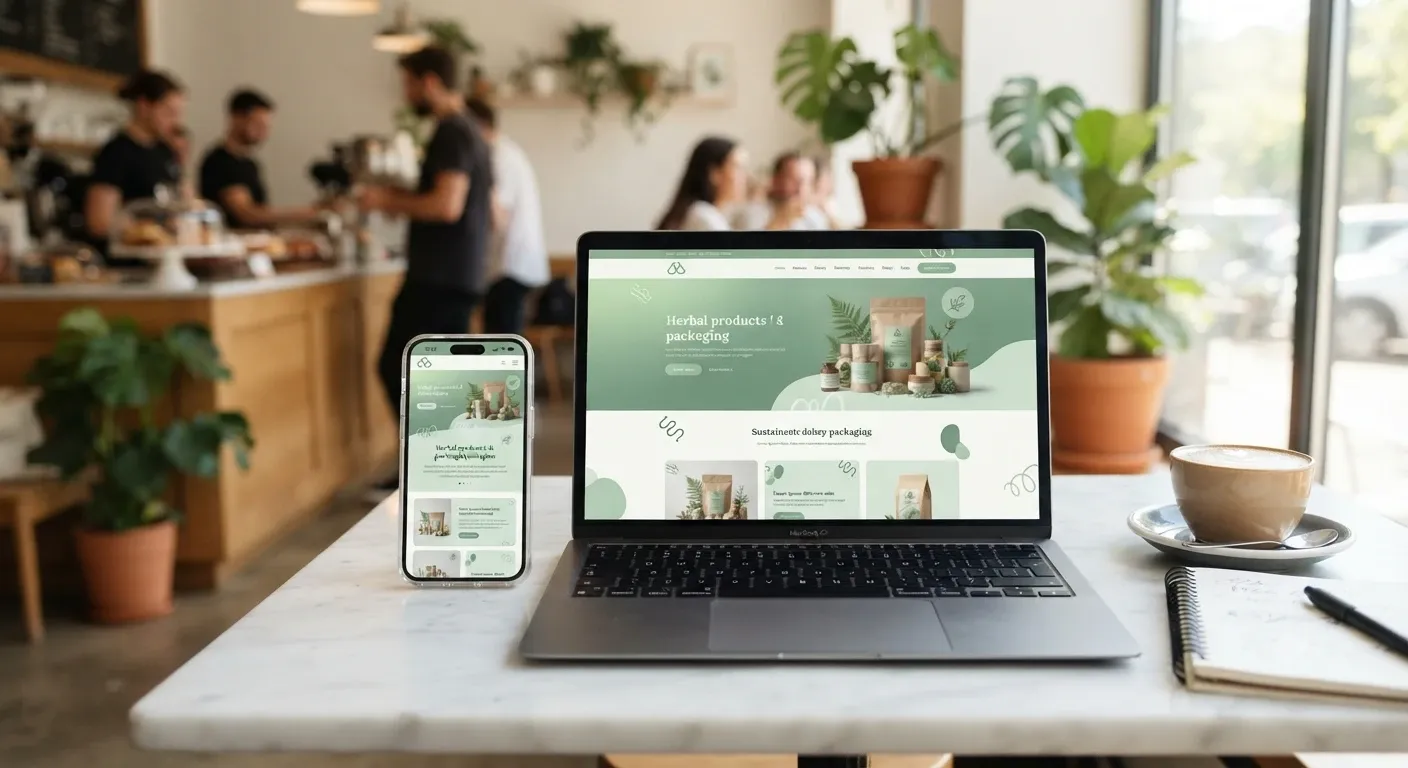
Launch day isn't the finish line. These last three prompts help you catch problems early and keep the site getting better.
23. Run a Mobile Check
Prompt: "Here's the content and layout of my home page: [paste]. Walk through it as someone on a phone with one thumb. Point out anything that's hard to tap, read, or find."
24. Build a Pre-Launch Checklist
Prompt: "Create a pre-launch checklist for my small business website covering links, forms, contact details, page speed, mobile layout, SEO tags, privacy policy, and analytics setup. Format it as a checklist I can tick off."
25. Review Your Conversion Rate
Prompt: "My site gets about [number] visitors a month and [number] inquiries. Here's my home page copy: [paste]. Suggest five changes most likely to turn more visitors into inquiries, ranked by effort and expected impact."
Quick Reference: Which Prompts to Use When
StagePromptsWhat You GetPlanning1 to 5Brand brief, audience, sitemap, site goalDesign6 to 11Colors, fonts, page layouts, accessible contrastCopy12 to 18About, services, CTAs, FAQ, contact pageSEO19 to 22Meta tags, location pages, schema, alt textLaunch23 to 25Mobile check, launch checklist, conversion fixes
Mistakes to Avoid When Designing With AI
Publishing the first draft. Treat AI output as a starting point. Read it out loud and cut anything you wouldn't say to a customer.
Letting it make up facts. Years in business, certifications, awards, and numbers must come from you.
Using the same prompt for every page. A pricing page and a blog post need different instructions.
Forgetting the phone. Most local searches happen on mobile, so check every page on a small screen.
Turn Your Prompts Into a Live Website
Writing great prompts is half the job. The other half is getting that output into real pages without copying and pasting for hours. That's the idea behind AzurePress. You keep working in the AI assistant you already like, such as Claude or ChatGPT, and connect it to AzurePress so your pages, copy, and layout land straight in an editor you can tweak by hand.
AzurePress is free during beta, so you can run these 25 prompts and see your business site take shape today.
Frequently Asked Questions
Can AI design a complete business website?
AI can plan the structure, suggest colors and fonts, write the copy, and generate SEO tags. You still need to add real business details, check every fact, and review the design on desktop and mobile before you publish.
Which AI tool is best for website design prompts?
These prompts work in ChatGPT, Claude, Gemini, and most other AI chat tools. Pick the one you're comfortable with and keep all your website work in a single conversation so it remembers your details.
How do I make AI-written website copy sound human?
Give the AI a sample of your own writing, ask it to avoid buzzwords, and edit the output yourself. Reading the text out loud is the fastest way to spot lines that sound stiff.
Is it okay to use AI to write customer reviews?
No. Fake reviews mislead customers and can break FTC rules. Use AI to write a friendly request email, then publish only reviews from real customers.
How many pages does a small business website need?
Most small businesses do well with 5 to 8 pages: Home, About, Services, Contact, and a few service or location pages. Add more only when each page has a clear purpose.
More from the blog
 Restaurant Website Must-Haves: What Diners Look ForPicture someone deciding where to eat on a Friday night. They have three places in mind, a few minutes to choo... · 7 min read
 Website Ideas for Plumbers, Electricians and HVAC ContractorsA contractor’s website has one job, which is to get the phone ringing. Here are 14 practical website ideas for... · 7 min read
 MCP Connector Explained: How It Links AI to Your AppsAn MCP connector lets an AI assistant like Claude or ChatGPT work directly inside your apps instead of just ta... · 6 min read