
Website Ideas for Plumbers, Electricians and HVAC Contractors
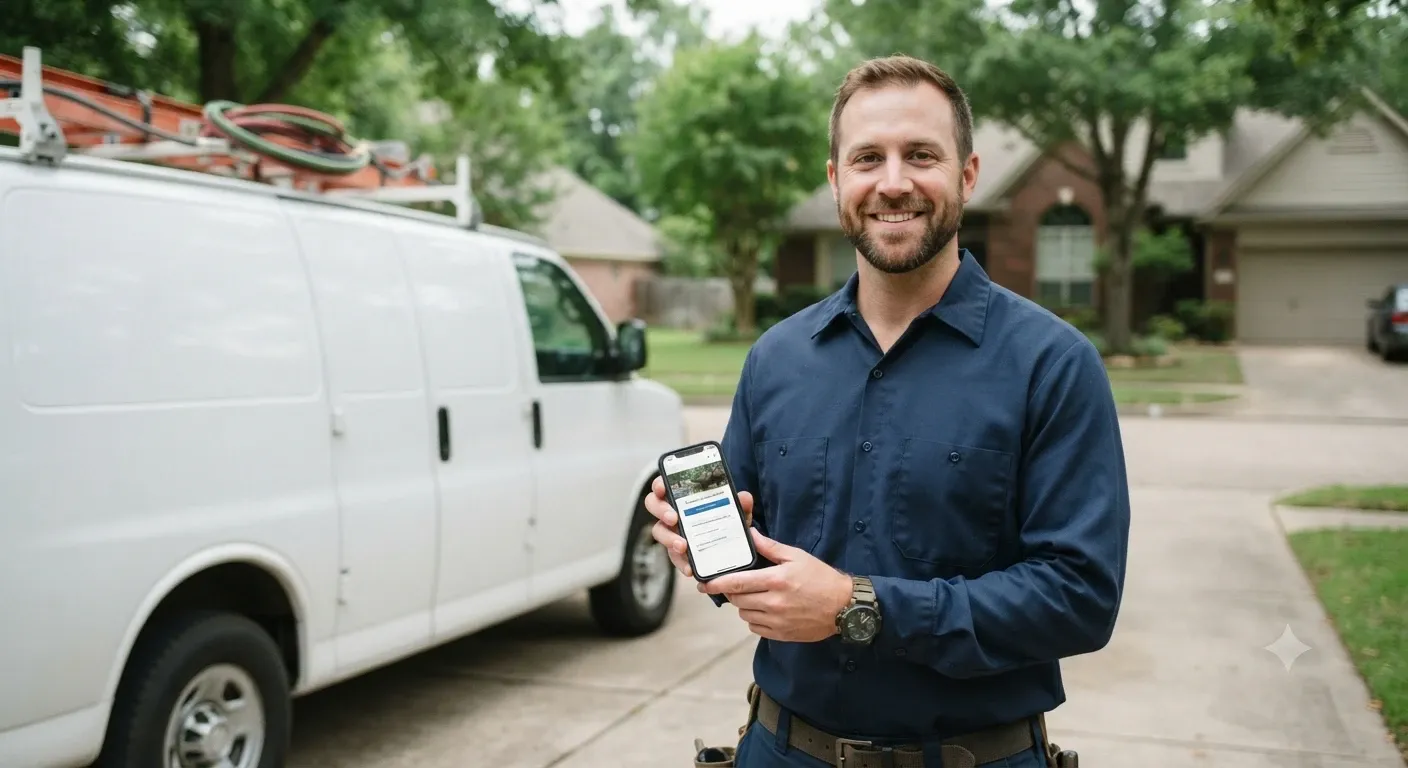
Picture a homeowner at 11 p.m. with water spreading across the basement floor. They aren't going to read your company history. They want three things fast: proof you fix this problem, proof you serve their town, and a phone number they can tap with wet hands.
That's the whole game for trade websites. Plumbers, electricians and HVAC contractors don't need flashy design awards. They need a site that turns a stressed visitor into a booked job. Below are the website ideas that do that best, along with a few ideas built for each trade.
What a Contractor Website Really Needs to Do
Before getting into ideas, it helps to know what success looks like. A good home service website should:
Get calls and form fills, not just visits
Rank in local search for the services and towns you cover
Build trust quickly with licenses, reviews and real photos
Work well on a phone, since that's how most emergency searches start
Every idea below supports at least one of those goals. If an idea doesn't help with any of them, skip it.
14 Website Ideas for Plumbers, Electricians and HVAC Contractors
1. A Click-to-Call Header and a Sticky Mobile Call Button
Put your phone number in the top right corner of every page and make it a real tap-to-call link. On mobile, add a call button that stays fixed to the bottom of the screen as people scroll. It sounds simple, and it is. It's also the single change that most often lifts calls for trade businesses, because it removes every bit of effort between "I need help" and "I'm calling."
2. A Separate Page for Every Service
A single "Services" page with a bulleted list won't rank for much. Give each core job its own page: water heater installation, drain cleaning, panel upgrades, EV charger installation, AC repair, furnace replacement and so on. Each page should explain the problem, how you fix it, roughly what to expect, and how to book.
Someone searching "tankless water heater install" wants a page about exactly that. When your page matches their search, both Google and the customer reward you for it.

3. Service Area Pages With Real Local Detail
If you work across several towns or a whole county, create a page for each main city you serve. The catch: don't copy the same text and swap the town name. Google treats those as thin doorway pages. Instead, mention local details that matter to the work, like older homes with galvanized pipes in one neighborhood, hard water in another, or the jobs you've done nearby.
4. Online Booking and Quote Requests
Not everyone wants to call. Some people find a contractor during their lunch break and want to grab a time slot without talking to anyone. An online booking calendar or a short quote form (name, phone, address, what's wrong, a photo upload) catches those leads. Keep the form short. Every extra field costs you submissions.

5. A Dedicated Emergency Service Page
If you offer 24/7 service, give it its own page and say so clearly in your header. Burst pipes, sparking outlets and a dead furnace in January are high-intent searches. Spell out what counts as an emergency, your after-hours fees if you charge them, and how fast you usually arrive.
6. Real Reviews Pulled Front and Center
Homeowners are letting a stranger into their house. Reviews do a lot of the trust-building for you. Show your best Google reviews on the homepage and on each service page, ideally ones that mention the specific job. A review saying "they replaced our sump pump the same day" on your sump pump page is far more convincing than a generic five-star badge.
Link your site to your Google Business Profile too, and keep your business name, address and phone number identical everywhere online.

7. A "What Does It Cost?" Pricing Guide
Price is one of the most searched questions in the trades, and most contractors avoid it. You don't need to publish a fixed price list. A page that shares typical price ranges and explains what pushes a job higher or lower answers the question honestly and builds trust. It also pulls in searches like "how much does it cost to replace a breaker panel."
8. A Financing Page
A new HVAC system or a whole-home repipe is a big bill. If you offer financing through a lending partner, give it a dedicated page that explains how it works and how to apply. Mention it on your replacement service pages as well. For many families, monthly payments are the difference between "we'll think about it" and "let's do it."
9. A Maintenance Plan or Membership Page
Annual tune-up plans turn one-time customers into recurring revenue. Lay out what's included (seasonal inspections, priority scheduling, discounts on repairs) and let people sign up online. This works especially well for HVAC companies, but plumbers and electricians can offer safety inspection plans too.
10. A Licenses, Insurance and Team Page
List your license numbers, insurance coverage and any certifications, such as EPA Section 608 certification for HVAC technicians who handle refrigerants. Add real photos of your team and trucks. Stock photos of models in spotless uniforms make people suspicious. A photo of your actual crew does the opposite.
11. A Before-and-After Project Gallery
Show the corroded water heater and the shiny new one. Show the messy panel and the clean, labeled replacement. Short captions with the town and the job type help each project double as local proof that you do quality work.
12. A Helpful Blog With Seasonal Content
Write about the questions customers ask you on every job. "Why is my AC blowing warm air?" "How do I keep my pipes from freezing?" "Why does my breaker keep tripping?" Time posts to the season: furnace prep in the fall, AC checklists in late spring, frozen pipe tips before winter. These posts bring in searchers before they're ready to buy, and many of them call you when the problem gets worse.
13. A Simple Self-Help Checklist
A short "Try this before you call" checklist (check the thermostat batteries, reset the GFCI outlet, check the filter) might seem like it loses you jobs. In practice it builds goodwill, and people remember who helped them for free. When the quick fix doesn't work, you're the obvious company to call.
14. Local Business Schema Markup
Schema markup is code that tells search engines what your business is. Schema.org has specific types for Plumber, Electrician and HVACBusiness. Adding it with your hours, service area and contact details helps search engines understand and display your business correctly.
Quick Comparison: Which Ideas Matter Most for Your Trade
Website Idea | Plumbers | Electricians | HVAC |
|---|---|---|---|
Sticky call button | Must have | Must have | Must have |
Emergency service page | Must have | High | Must have |
Online booking | High | High | Must have |
Financing page | Medium | Medium | Must have |
Maintenance plan page | Medium | Medium | Must have |
Pricing guide | High | High | High |
Project gallery | High | High | Medium |
Trade-Specific Page Ideas
For Plumbers
Water heater repair and replacement (tank and tankless)
Drain cleaning and sewer line camera inspections
Leak detection and slab leak repair
Repiping for older homes
Sump pump installation and backup systems
For Electricians
Panel upgrades and replacements
EV charger installation
Whole-home generator installation
Lighting, ceiling fans and outdoor lighting
Home safety inspections for buyers and sellers
For HVAC Contractors
AC repair and AC replacement
Furnace and heat pump installation
Ductless mini-split systems
Indoor air quality and duct cleaning
Seasonal tune-up plans
Common Mistakes to Avoid
Most contractor websites lose leads in the same few ways. Watch out for these:
Hiding the phone number in the footer or behind a menu
Slow pages from huge, uncompressed photos
No mention of service areas, so visitors can't tell if you cover their town
Outdated info, like old hours or a disconnected number
Long contact forms that ask for things you can collect on the phone
How to Get Your Contractor Website Built
You don't need a big agency budget to put these ideas to work. Start with the essentials: a strong homepage, one page per main service, a call button and your reviews. Then add service area pages, a pricing guide and blog posts over time.
If you'd rather build it yourself, AzurePress lets you design and publish a professional site for your trade business without writing code, so you can get back to the jobs that pay the bills.
Frequently Asked Questions
What should be on a plumber's or HVAC contractor's homepage?
Your phone number and a call button at the top, a short headline about what you do and where, your main services, a few real reviews, your license and insurance details, and a clear way to book or request a quote.
Do contractors really need a website if they have a Google Business Profile?
Yes. A Google Business Profile helps you show up in map results, but your website gives you room to explain each service, show your work and rank for more searches. The two work best together.
How many service pages should a contractor website have?
Create one page for each service you want to be hired for. For most small trade businesses, that means somewhere between 5 and 15 service pages, plus a page for each main city you serve.
Should I show prices on my contractor website?
Sharing typical price ranges is a smart move. It answers a question customers are already searching for, builds trust and filters out leads looking for prices you can't match. You don't have to publish exact quotes.
What is the best way for an HVAC company to get more leads from its website?
Make calling and booking effortless, publish a page for every service and town you cover, show reviews that mention specific jobs, and promote financing and maintenance plans on your replacement pages.
More from the blog
 Restaurant Website Must-Haves: What Diners Look ForPicture someone deciding where to eat on a Friday night. They have three places in mind, a few minutes to choo... · 7 min read
 AI Website Design Prompts: 25 to Build Your Business SiteBuilding a business website with AI works best when you know what to ask. These 25 copy-and-paste prompts take... · 8 min read
 MCP Connector Explained: How It Links AI to Your AppsAn MCP connector lets an AI assistant like Claude or ChatGPT work directly inside your apps instead of just ta... · 6 min read